Little Alchemy Classic · your attempt journal
Little Alchemy Combinations: Keep Track of What You Have Tried
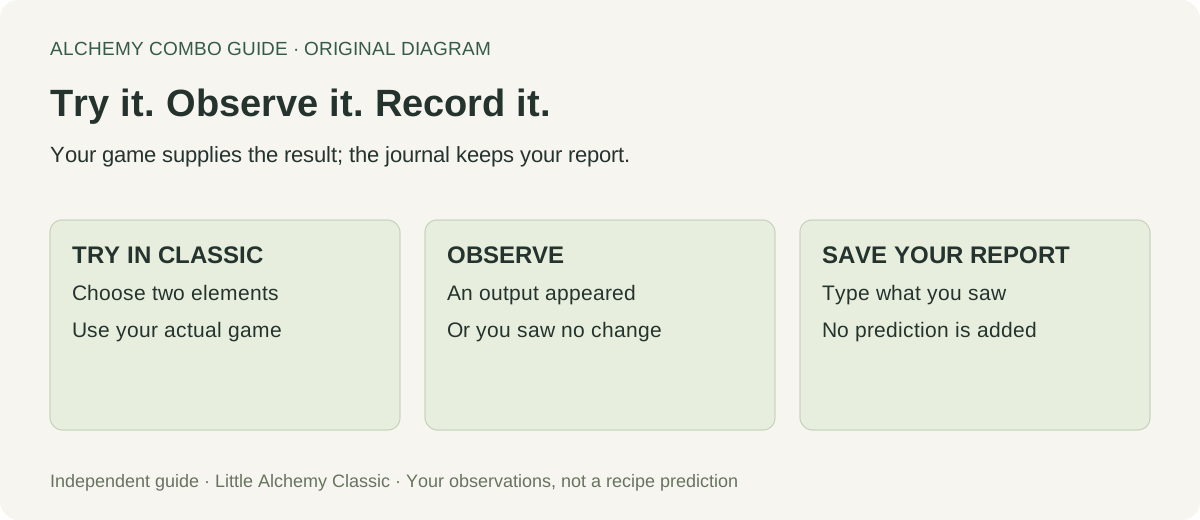
Record the pair you tried and the result you actually saw. This journal groups reversed names together, keeps repeated observations and lets you search your history. Looking for an answer instead? Find a Classic recipe here.
What did you just try?
Nothing is recorded until you save an observation.
Classic only. Names are typed by you, not checked against the game. No game save is read. This journal stays in this browser’s site storage; export it before clearing browser data. Do not enter personal information.
Your recorded pairs
0 recorded pairs · 0 observations
A list answers “what works”; a journal answers “what did I try?”
Keep a recipe finder and an attempt history separate. The finder suggests a known output; this page records your report of a particular attempt. Saving an observation here does not create an element, mark a discovery in the game or check that your report is correct. Use the exact ingredient names you saw, including spaces, so later searches mean what you expect.
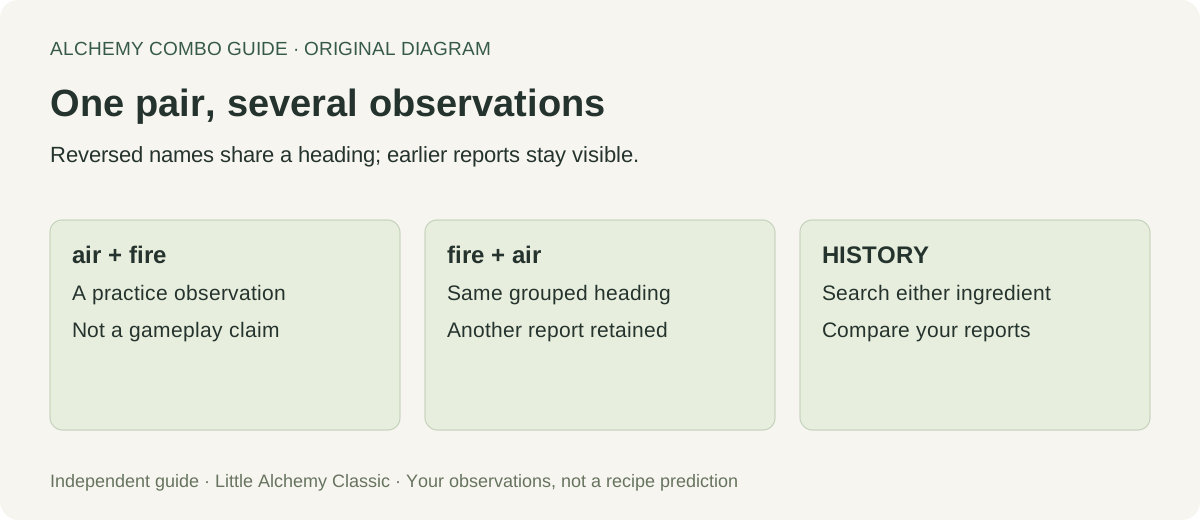
Our journal treats “air + fire” and “fire + air” as the same record. That is an organisational choice for this notebook, not a new experiment proving how every game pair behaves. Names are lowercased and extra spaces removed before grouping. A spelling change is still a different name: “sea” and “ocean” are never silently merged. If you notice a typo, export your history before clearing it and starting a corrected record.
Why a second observation never erases the first
Suppose you record an output, then later record no change for the reversed pair. A tool that keeps only the latest result would erase useful context. Here both observations remain under one heading, newest first. Review the version, spelling and what you actually dragged before deciding which observation to trust. A disagreement is a reason to investigate, not an automatic recipe correction.
The two counters describe different things. “Recorded pairs” counts grouped ingredient names. “Observations” counts saves, including repeats. They are not a discovery total, a completion percentage or the number of recipes in Little Alchemy. A blank journal therefore means nothing has been recorded here; it does not mean you have made no progress in your game.
Reproducible checks on this journal
We tested the recording logic with synthetic observations on October 23, 2026. These are software fixtures, not fresh gameplay results. In the first check, saving “air + fire → energy” and then “fire + air → no change” produced one pair with two retained observations. The test checks grouping and preservation; it does not certify either observation as a recipe.
| Fixture | Checked result | What it does not establish |
|---|---|---|
| Reversed ingredient names | One pair, two observations | Game behaviour or recipe accuracy |
| “ Air ” and “air” | Whitespace and case normalised | Different spellings are synonyms |
| water + water | Both ingredient positions retained | An output for that pair |
| Export and parse again | Observation fields and timestamps retained | A game-save backup or automatic import |
| Invalid stored row | Rejected by validation | Recovery of a damaged browser database |
To repeat a grouping check yourself, save a clearly labelled practice observation, reverse its ingredient order and save another. Inspect both counters, search for either ingredient and export a backup. Clear the practice journal afterwards; Undo restores the cleared observations until another change or a reload. Do not mix practice records into an observation history you intend to rely on.
Keep the record useful next session
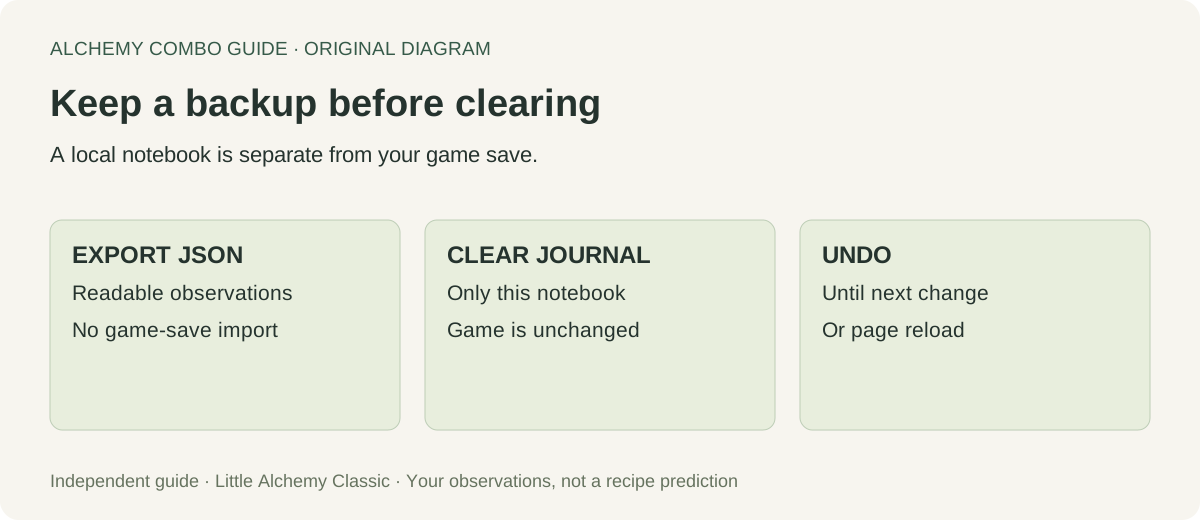
Export creates a JSON file with a game label, format version and timestamped observations. It is a readable backup, not a file the game can import. This page currently has no import button. Before deleting browser data, keep that file somewhere you can find again. A browser profile, a device or a private-browsing window may have separate storage; this page does not synchronise them.
Clear journal removes this tool’s observations only. Undo restores the previous state while this page remains open, until the next change or reload. It does not restore a game save, and it cannot undo clearing storage through your browser settings. If storage is blocked or full, the page reports that the change was not saved instead of pretending it persisted. Each journal is capped at 500 observations; export before clearing a full journal.
Sources and scope
The official Classic hints page describes experimentation with the starting elements and links separately to Little Alchemy 2. This journal is labelled for Classic; it does not infer sequel or expansion recipes. Our Classic finder answers recipe questions, while the sequel guide is a separate dataset.
A player discussion about a Little Alchemy 2 combination spreadsheet discusses avoiding duplicate information across reversed rows and columns. That is a sequel discussion, not evidence about Classic outcomes. It informed the record-keeping question here; our form, grouping rules, diagrams and checks were built independently.
Questions about your combination history
Have I already tried this pair?
Search your history for either ingredient, then check the pair heading. Reversed names share a heading, so inspect its observations rather than saving another row just to change the order. No match means the journal has no matching record; it cannot tell you whether you tried the pair before using this page.
Does “no change observed” mean a combination is impossible?
No. It records your report of that attempt. A wrong name, a different game version or an unsuccessful drag can require another check. This tool does not promote your observation into a verified negative recipe rule.
Can I save several outputs for one pair?
Yes. Save one observation per output you actually saw. All those reports remain visible. The journal does not predict additional outputs or claim that one recorded result is the complete set.
Will this update my discovered elements?
No. This notebook has its own storage key. It does not read the game or change the Classic hints checklist. Mark discoveries in the game and in any separate checklist yourself.
Watch the record-keeping walkthrough
Original diagrams and explanation with synthetic narration. The worked observations demonstrate the notebook, not new gameplay measurements.